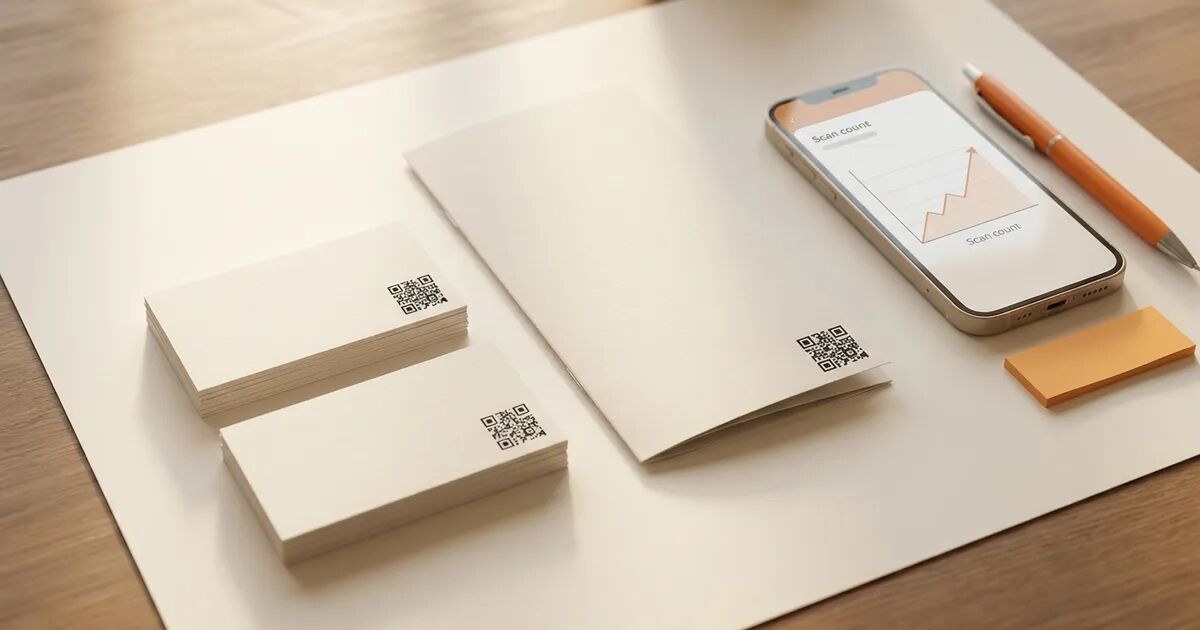
A static QR code stores content directly in its pattern. Scan it and you get that content forever, no internet needed. A dynamic QR code points to a redirect URL you control, so you can swap the destination, track every scan, and keep the code working across plan changes. The choice comes down to whether the content behind your code will ever need to change.
What makes a QR code "static"?
A static code encodes your content into the black-and-white pattern itself. The URL, WiFi password, or phone number lives in the dots, with no server in between. Once generated, nothing about the code can change. You can't update the destination, track who scanned it, or turn it off.
That permanence has one clear upside: static codes scan without internet. A phone's camera reads the pattern on its own, no round-trip required. Useful in places where connectivity is unreliable (warehouse floors, packaging interiors, underground venues).
If the URL you encoded changes after you print 10,000 flyers, though, those flyers are dead.
What makes a QR code "dynamic"?
A dynamic code doesn't contain your final destination. It encodes a short redirect URL, something like platform.com/r/abc123. When someone scans, the redirect sends them wherever you've currently pointed it.
Because you control the redirect, you can change the destination after the code is printed. Seasonal menu? Point it to winter, then spring. Typo in the original URL? Fix it from your dashboard without touching the printed code.
The redirect server also logs every scan: when it happened, the scanner's city, which device, which browser. Printed codes become a channel you can actually measure.
The catch is that dynamic codes need internet. The phone hits the redirect URL, which hits the server, which returns the final destination. No connection, no redirect.
Side by side: static vs. dynamic
| Static | Dynamic | |
|---|---|---|
| Content after printing | Locked permanently | Change anytime via dashboard |
| Scan tracking | None | Location, device, time, count |
| Internet required | No | Yes |
| Pattern density | Longer URLs produce denser patterns | Short redirect URL keeps pattern simple |
| Code stays active | Forever (no dependency) | Depends on your platform's policy |
| Typical cost | Free | Paid plan on most generators |
One row worth pausing on: pattern density. A static code encoding a 90-character URL produces a dense grid with small dots, harder to scan at small print sizes or from a distance. A dynamic code always encodes the same short redirect URL regardless of destination, keeping the pattern clean. At business-card scale, that density difference can be the gap between a reliable scan and a frustrating one.
When is a static code the right pick?
The simplest test: will the content ever change? If the answer is genuinely no, static wins on simplicity.
WiFi passwords on a café wall, a vCard on the back of a business card, a phone number on a poster. These are static-code territory because the information is permanent and a redirect adds complexity for no gain.
Static also wins in offline environments. A product manual inside a shipping box or safety signage in a basement with no cell signal needs a code that works without internet. Static codes do, because the content is in the pattern, not on a server.
And for anything disposable or personal (party invitations, one-time event check-ins, weekend projects), static is simpler and free.
When do you need a dynamic code?
Two situations push you toward dynamic: you need the data, or you need the flexibility. Usually both.
If you're putting QR codes on packaging, table tents, or trade show banners, you need to know what's working. Which placement drives scans? Which days? Which cities? Without scan analytics, you're guessing. Dynamic codes turn a print campaign into something measurable.
Then there's the durability problem. Restaurant menus, product catalogs, conference schedules: anything printed in volume where the linked content changes seasonally. One URL swap in your dashboard beats a reprint. And typos happen. A wrong URL on 5,000 brochures means 5,000 paperweights with a static code. With dynamic, it's a 10-second fix.
What happens to your dynamic codes if you cancel?
On most QR code platforms, downgrading or canceling your paid plan deactivates your dynamic codes. The redirect stops resolving. Anyone who scans the code on packaging you already shipped, flyers already posted, or signage already installed hits an error page. Some platforms show a "subscribe to reactivate" gate. Others return a 404.
For a business that invested in a print run, broken codes aren't a billing annoyance. They're a write-off.
QRlfy handles this differently: dynamic codes keep redirecting after a downgrade. Editing pauses (you can't change the destination or access new scan data), but every code you created keeps sending scanners to the last URL you set. QRlfy calls this the no-ransom promise.
Before committing to a platform for a print run, find the answer to one question: what happens to my codes if I stop paying? For more on why codes break after plan changes, see Do QR codes expire? What actually kills a code after print.
How do you decide?
Default to static unless one of two things is true: the destination might change, or you need scan data. If either applies, go dynamic.
The cost math favors dynamic more than most people realize. A monthly subscription runs single-digit dollars. Reprinting runs hundreds or thousands. For anything with a print budget, the subscription is insurance against the reprint.
The one exception is offline use. Product manuals, kiosks without connectivity, signage in places with no cell signal. If there's a real chance someone scans with no internet, static is the only option that guarantees a result.
Beyond that, the default should lean dynamic. The flexibility and the data cost almost nothing relative to what you'd spend reprinting. Generate your first code to see both types side by side.
Frequently asked questions
Can I convert a static QR code to dynamic later?
No. The content is built into the pattern. You'd need to generate a new dynamic code and reprint.
Do dynamic codes scan slower?
The redirect adds a fraction of a second, imperceptible in practice. Dynamic codes actually tend to scan more easily than long-URL static codes because the shorter redirect URL produces a simpler, less dense pattern. At small print sizes, that density difference matters more than the redirect delay.
How many dynamic codes can I have active at once?
Depends on the platform. QRlfy's Pro plan ($9/month) supports up to 100 active dynamic codes. Some platforms charge per code; others cap by tier.
Are dynamic codes less reliable?
The pattern scans identically either way. The reliability question is about the redirect: is the platform's uptime solid, and what happens if you cancel? A static code always resolves because the content is self-contained. A dynamic code depends on the redirect service staying active. For what affects scan reliability beyond code type, see Why your QR code won't scan (and how to fix it).
What data do dynamic code scans show?
Total scan count, scans over time, scanner location (city-level), device type (iOS vs. Android), and browser. Most platforms show this per code, so you can compare performance across placements.
Can I add a branded logo to both types?
Yes. Static and dynamic describe the content behind the code, not the visual design. Both support logo embedding, color customization, and custom dot shapes.