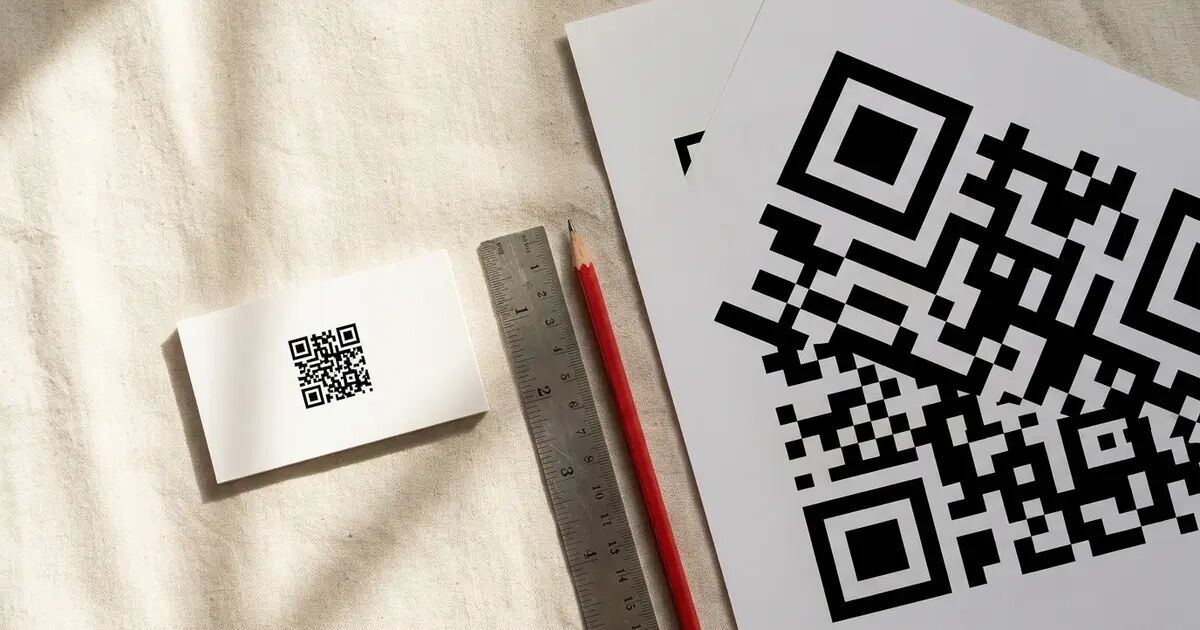
The smallest printed QR code that works consistently is about 2 x 2 cm (0.8 x 0.8 inches) for a phone held at arm's length. The real minimum depends on how much data the code holds, what error correction level it uses, and how far away the scanner will be. Below is the sizing math for every common print format.
What determines a QR code's minimum size?
Every QR code is a grid of black and white squares called modules. A short URL might produce a 25x25 grid (625 modules). A full contact card (name, phone, email, address) could push to a 57x57 grid (3,249 modules). More data means more modules, and at a fixed physical size each module shrinks until a phone camera can't resolve them. This is the primary constraint.
Error correction adds to the grid too. The QR standard (ISO/IEC 18004) defines four levels: L recovers about 7% of damaged data, M recovers 15%, Q recovers 25%, and H recovers 30%. An M-level code has roughly 15% more modules than the same data at L. Most guides default to M. For a clean print on white paper indoors, L is fine and buys you noticeably smaller physical dimensions. Save M and H for codes that will get scratched, rained on, or partially covered.
The spec also requires a quiet zone (the white border) at least 4 modules wide on all sides. At 2 cm print size, those borders eat about 3 mm per edge. Not trivial.
Scan distance is the other big variable. A phone camera 15 cm away resolves far more detail than one held a meter back, so print size must scale with the expected viewing distance.
What is the 10:1 rule?
The most widely used sizing guideline. Divide the expected scan distance by 10. That number is your minimum code width.
A code scanned from 25 cm needs to be at least 2.5 cm wide. From 1 meter, at least 10 cm.
| Scan distance | Minimum code size |
|---|---|
| 15 cm (6 in) | 1.5 cm |
| 25 cm (10 in) | 2.5 cm |
| 50 cm (20 in) | 5 cm |
| 1 m (3.3 ft) | 10 cm |
| 3 m (10 ft) | 30 cm |
| 10 m (33 ft) | 100 cm |
Those numbers are the theoretical floor. Add 20-30% for actual use: uneven lighting, scanning at an angle, fingerprints on the surface. A code on a curved bottle or glossy laminate needs even more.
How do data length and error correction affect the grid?
The QR spec defines 40 versions. Version 1 is a 21x21 module grid. Each version adds 4 modules per side. The formula: modules per side = (4 x version) + 17.
Most printed codes fall between Version 2 and Version 10:
| Data type | Example length | Typical version (EC level M) | Grid size | Modules |
|---|---|---|---|---|
| Short URL | 20 chars | Version 2 | 25x25 | 625 |
| Redirect URL (dynamic code) | 20 chars | Version 2 | 25x25 | 625 |
| Standard URL | 50 chars | Version 4 | 33x33 | 1,089 |
| WiFi credentials | 50 chars | Version 4 | 33x33 | 1,089 |
| Long URL with tracking params | 90 chars | Version 6 | 41x41 | 1,681 |
| vCard (full contact) | 150+ chars | Version 8-10 | 49-57x57 | 2,401-3,249 |
Shorter data is the single biggest factor in keeping codes physically small. A 20-character redirect URL produces a Version 2 grid with 625 modules. A 150-character vCard can push to Version 10 with 3,249 modules. Same physical print size, 5x the modules, each one five times smaller.
Switching from error correction M to H on a Version 4 code bumps it to roughly Version 5-6. Going from L to M is a smaller jump but still adds modules. Pick the lowest error correction level your use case allows. For a clean, flat print on white paper, L often works. For a code that will be weathered, scratched, or partially covered, H is worth the extra grid density.
Does adding a logo change the minimum size?
Yes. A logo inside a QR code takes space that would otherwise carry data or error correction modules. The code needs to compensate.
How much depends on the method. Overlay generators paste the logo on top of a finished code, covering existing modules. The code only scans if error correction is high enough to recover the hidden data. That typically forces H-level correction, adding roughly 30% more modules compared to L. The result: the code must be physically larger.
Mathematical embedding works differently. Tools that use a solver (QRlfy is one) weave the logo into the data modules themselves, so the logo is the modules. Error correction isn't consumed recovering from a covered area, and the grid stays closer to its unbranded size.
Either way, plan for a branded code to need 15-30% more physical space than a plain code of the same data length. On a business card, that can mean the difference between a 2 cm code and a 2.5 cm one.
We wrote a separate guide on how big a logo can be before the code stops scanning.
What size QR code do you need for each print format?
| Format | Typical scan distance | Recommended minimum | Notes |
|---|---|---|---|
| Business card | 15-20 cm | 2 x 2 cm (0.8 x 0.8 in) | Keep data short. A redirect URL keeps the grid at Version 2. |
| Product label / sticker | 15-30 cm | 2.5 x 2.5 cm (1 x 1 in) | Add 25% for curved surfaces like bottles or tubes. |
| Table tent / menu card | 30-60 cm | 3 x 3 cm (1.2 x 1.2 in) | High contrast matters at this distance. Dark on light. |
| Flyer / brochure | 25-40 cm | 2.5 x 2.5 cm (1 x 1 in) | Standard arm's-length scan. |
| Indoor poster | 1-3 m | 15 x 15 cm (6 x 6 in) | 10:1 rule plus 50% safety margin. |
| Outdoor banner | 3-10 m | 30-100 cm | Test from the actual viewing distance. |
| Digital screen | Varies | 3 x 3 cm on-screen | Screen resolution is usually sufficient. Brightness matters more than size. |
These figures assume a plain QR code with a short URL at error correction level M. Longer data, higher error correction, or a logo increases the recommended size by 15-30%.
How do I test a QR code before printing?
A code that scans fine on screen can fail on paper. Print a sample at the exact target size, on the actual stock, before ordering a full run.
The material matters more than people think. Glossy cardstock throws glare under fluorescent lights. Matte paper absorbs ink differently and can soften module edges. Vinyl stickers on curved surfaces distort the grid geometry. Test on the real thing.
Scan with at least three phones, and make sure one is a budget Android. A Samsung Galaxy A15 or a Redmi Note 12 has a 50 MP sensor on paper, but its autofocus is slower and its lens quality is measurably worse than a flagship. These phones are what a large chunk of your audience actually carries. If the code doesn't scan on one of them at the intended distance, it's too small.
Step back 30% beyond the expected scan distance. If the code still works with that margin, you're good.
When a code fails, increase the physical size first. If that's not possible (a business card has hard limits), shorten the data with a redirect URL or a dynamic code. Dropping the error correction level is a last resort because it lowers tolerance for print wear and fading. There's a deeper troubleshooting walkthrough in why your QR code won't scan.
Print your code at the right size
QRlfy exports codes in both PNG and SVG at full resolution, so they print cleanly at any scale. Dynamic codes use a short redirect URL behind the scenes, keeping the module grid small. That makes them practical for tight formats like business cards, product labels, and stickers where every millimeter counts.
Upload a logo, set your destination, and generate your code to see the result before you print.
FAQ
Can a QR code be 1 cm x 1 cm?
It can work under lab conditions. A Version 1 code (21x21 modules) at 1 cm has been scanned successfully in controlled tests. But phone cameras in normal lighting consistently fail below about 1.5 cm, and 2 cm is where scans become reliable across devices. Don't design for the theoretical minimum.
Does SVG or PNG matter for print size?
Yes. Use SVG for anything larger than a business card. It's vector, so it scales without losing edge sharpness. PNG works at 300+ DPI but falls apart if you resize beyond its original pixel dimensions.
What DPI should I use for printing a QR code?
300 DPI minimum for professional print. At 300 DPI, a 2 cm code is about 236 pixels wide. Enough for clean module edges. Lower DPI produces fuzzy boundaries between light and dark modules, which slows or breaks scanning.
Do colored QR codes need to be larger?
Only if the contrast is poor. Dark blue on white scans as well as black on white. Light gray on white is a different story and may need 30-50% more size to compensate. The deciding factor is the contrast ratio between modules and background, not the color itself. There's a full color and contrast guide with the test results.
How does a dynamic QR code affect minimum size?
It shrinks the grid. Dynamic codes encode a short redirect URL (about 20 characters) regardless of where the final destination points, which keeps the code at Version 2-3 instead of Version 6-8. Fewer modules means each one is physically larger at the same print dimensions. If you're fighting for space on a business card or product label, a dynamic code is the easiest win.